If your cost per lead on Meta Ads keeps climbing, you're not alone. Increased competition, iOS privacy changes, and algorithm shifts have pushed CPLs up across almost every industry over the past few years. But in most cases, a high CPL isn't a Meta problem — it's a strategy problem.
The good news: CPL is one of the most controllable metrics in paid social. Small changes to your audience, creative, offer, or landing page can produce significant reductions without increasing your budget. Here are 8 tactics that consistently work.
One of the most common CPL culprits is an audience that's either too broad or too narrow. Too broad and you're paying to show ads to people with zero intent. Too narrow and Meta's algorithm doesn't have enough data to optimize effectively.
The sweet spot for most lead generation campaigns is an audience size of 500,000 to 2 million for a national campaign, or proportionally smaller for local campaigns. Use interest stacking and behavioral targeting to define a qualified audience, then let Meta's algorithm find the converters within it.
For local service businesses, layering in geographic radius targeting (10 to 25 miles from your service area) with relevant interests is usually more effective than relying on broad targeting alone.
Meta's native lead forms (Instant Forms) pre-populate with the user's Facebook data, reducing friction significantly. For simple offers — a free quote, a consultation, a download — Instant Forms often produce lower CPLs than sending traffic to an external landing page.
However, the lead quality from Instant Forms can be lower, because the friction of filling out a form is also a qualifying step. Test both:
Run both formats simultaneously against the same audience and let the data determine which delivers better qualified leads at an acceptable CPL for your business model.
Ad creative is the single biggest driver of CPL on Meta. The algorithm can only optimize to the audience that responds to your creative — if the creative is weak, even perfect targeting won't save you.
What works in 2026:
One of the fastest ways to lower your blended CPL is to separate retargeting from prospecting in your campaign structure. Website visitors, video viewers, and people who've engaged with your page are significantly more likely to convert — and they should be in their own campaign with tailored messaging, not mixed in with cold audiences.
Effective retargeting audiences for lead gen:
Retargeting CPLs are typically 40 to 70% lower than cold prospecting CPLs. Keeping them separate lets you optimize each campaign independently and report on them accurately.
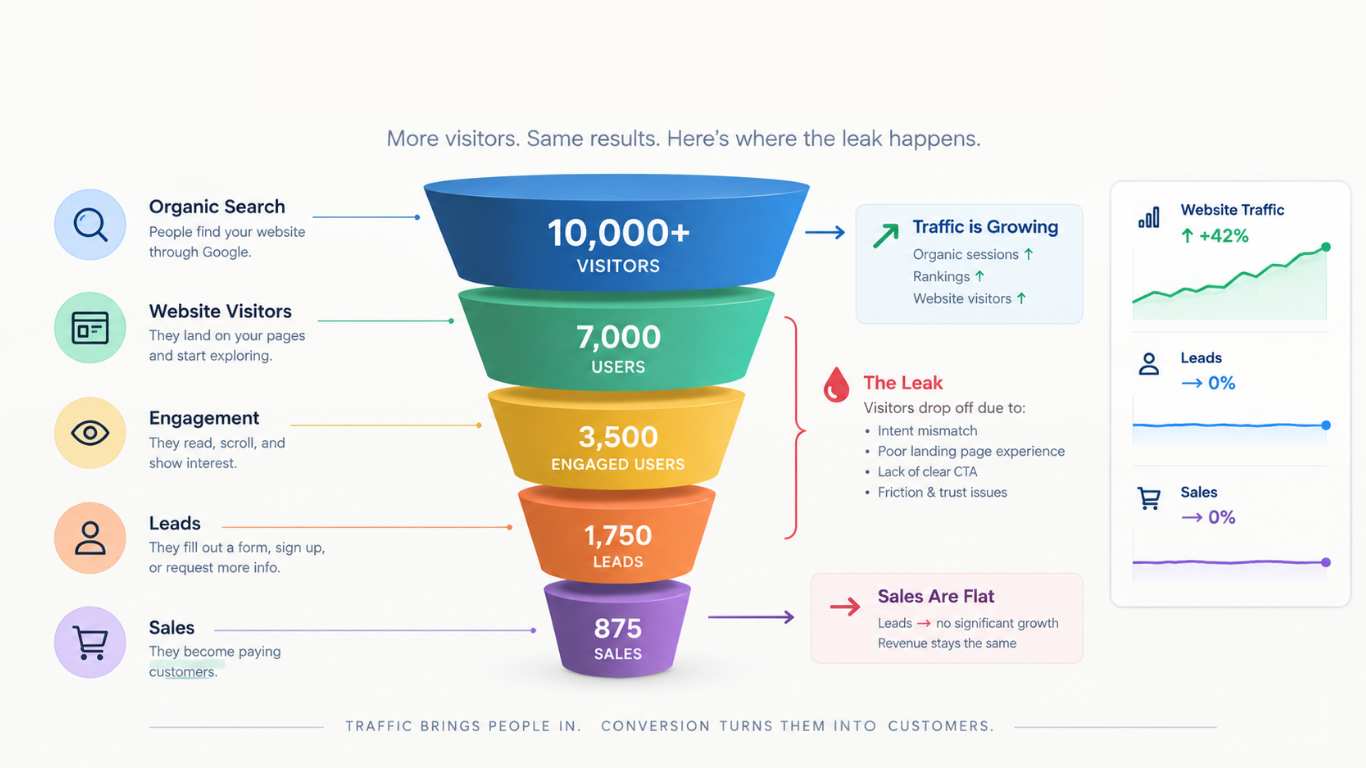
If you're sending traffic to a landing page, your CPL is a function of both your cost per click and your landing page conversion rate. A page converting at 5% will give you double the leads for the same spend as a page converting at 2.5% — with no changes to your ads at all.
Landing page fixes that most reliably improve conversion rate:
Meta's Campaign Budget Optimization lets the algorithm distribute budget across ad sets dynamically, shifting spend toward whichever audiences are converting most efficiently. When set up correctly, CBO consistently reduces CPL compared to manually allocated ad set budgets.
CBO works best when:
Most advertisers focus on who to target. The ones with the lowest CPLs also pay close attention to who to exclude.
Common exclusions that improve CPL:
One of the most common mistakes that inflates CPL is making changes to campaigns before they have enough data to be meaningful. Meta's algorithm needs time and conversion volume to optimize effectively. Changing budgets, audiences, or creative too frequently resets the learning phase and keeps your campaign permanently underperforming.
As a rule of thumb: don't make significant changes until an ad set has at least 50 conversions, or has been running for at least 7 days with meaningful impressions. Evaluate performance weekly, not daily.
CPL benchmarks vary significantly by industry, offer, and geographic market. As a general reference:
If your CPL is significantly above these ranges, the 8 tactics above are your starting point. If you're within range but want to push lower, focus on creative testing and landing page optimization — they consistently deliver the highest CPL reductions relative to effort.
At Maison Digital, our paid media team manages Meta Ads campaigns for clients across home services, insurance, and e-commerce. Learn more about our paid media services.