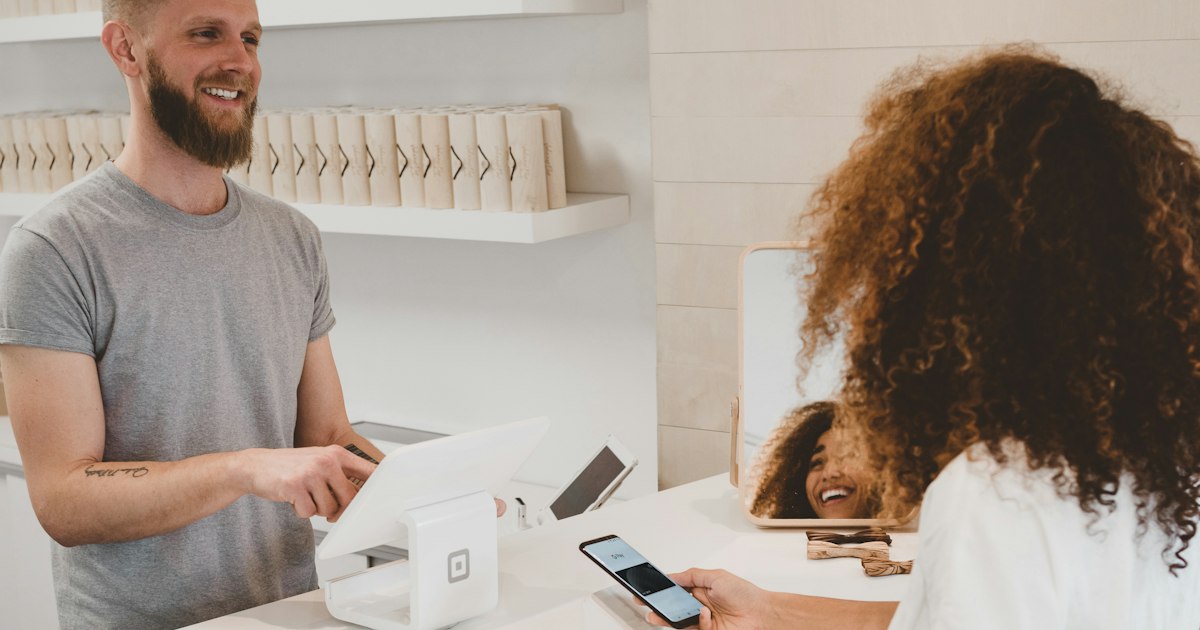
It is Tuesday evening. You fixed a customer's problem, and they thanked you three times at the door.
On the way out you said, "If you get a chance, leave us a review." They meant to. They never did.
Your Google profile still shows 23 reviews, and the newest one is from March. Happy customers are not the problem. The way you ask is.
People check reviews before they call. In BrightLocal's Local Consumer Review Survey 2026 of 1,002 US consumers, 97% said they read reviews for local businesses.
They also check the dates. The same survey found 74% only look at reviews from roughly the past three months, and 32% want reviews from the last two weeks.
Volume matters too: 47% won't use a business with fewer than 20 reviews. A burst of reviews last spring does little for you this fall.
Reviews now travel further than Google Maps. BrightLocal found 45% of consumers use ChatGPT or other AI tools for local recommendations, up from 6% a year earlier. Those tools lean on what customers have written about you.
PACE turns review requests from an afterthought into a habit. It has four parts: Pick the moment, Ask everyone, Cut the friction and Engage with every review.
Ask when the customer feels the result, not when they pay. For a restaurant that is the end of the meal. For a contractor it is the walkthrough of the finished job.
Send the written request within a few hours of that moment. Gratitude fades fast, and a request three days later competes with everything else in their inbox.
Ask every customer, not only the ones you expect to be happy. This is a rule, not a preference.
Google's prohibited and restricted content policy says businesses must not "discourage or prohibit negative reviews, or selectively solicit positive reviews from customers." It also bans incentives such as discounts or free goods in exchange for reviews.
The US Federal Trade Commission went further in its final rule on fake reviews. It bans incentives tied to positive sentiment and lets the FTC seek civil penalties against knowing violators.
So skip the "rate us first, then we'll send you to Google" survey. Send the same honest request to everyone, and fix problems through your own follow-up.
Every extra step loses reviewers. "Find us on Google" asks a customer to search, scroll and guess which listing is yours.
Google now gives every Business Profile a direct review link and QR code. The link opens the review box with your business already selected.
Put that link in every request. Print the QR code for your counter, your receipts and the back of your business card.
Replies are part of the review. BrightLocal found 89% of consumers expect owners to respond, and 50% are put off by generic or templated replies.
Thank good reviewers by name and mention something specific they said. For a critical review, acknowledge it, take one line of responsibility and move the details offline.
Use more than one channel, but lead with the one closest to the happy moment.
| Channel | Best moment | Best for | Watch out for |
|---|---|---|---|
| In person | Right after the customer says thank you | Salons, clinics, trades and restaurants | Never press for a review on the spot; follow up in writing |
| Text message | Within a few hours of the visit or job | Service businesses that already text customers | Get consent to text, and send one reminder at most |
| The same day, with the receipt or thank-you note | Online orders, bookings and professional services | Requests buried in long newsletters get ignored | |
| Printed QR code | At the counter, table or on the receipt | Walk-in shops, cafes and waiting rooms | Works best as a backup to a personal ask |
If you send requests by email, make sure they land in the inbox. Our email deliverability checklist covers the setup.
Do these steps in order. The whole setup takes about an hour.
1. Tidy your profile first. Check your hours, photos and services before you send anyone there. Our Google Business Profile checklist covers what to fix.
2. Copy your review link and save the QR code. Open your Business Profile on a computer and use the option to get more reviews. Save both somewhere your whole team can find them.
3. Write one short request. Use the customer's name, mention the job and include the link. Keep it to three sentences, and ask for honest feedback rather than five stars.
4. Name the moment and the owner. Decide when the request goes out and who sends it. Write it into your job checklist so it happens without anyone remembering.
5. Book a weekly reply slot. Spend fifteen minutes replying to every new review. Add "new reviews" to your weekly marketing scorecard so you see the pace at a glance.
Reply calmly, within a few days. Thank the customer, apologize for the specific problem and offer a direct way to sort it out.
Don't argue in public or offer a refund in exchange for removing it. Both look worse to the next reader, and the second breaks Google's policy.
Read critical reviews for patterns, not just tone. Our guide to using AI to analyze customer reviews shows how to turn them into fixes.
Aim for at least 20 to start, then a steady flow every month. BrightLocal found nearly half of consumers won't use a business with fewer than 20. Recency matters more after that.
No. Google's policy bans incentives such as payments, discounts or free goods for reviews. The FTC rule also bans incentives tied to positive reviews.
No. Google prohibits selectively soliciting positive reviews. Send the same request to every customer and handle complaints through your own follow-up.
Yes, including short five-star ones. Most consumers expect owners to respond, and a specific reply reads better than a template.
No. Google treats current or former employment as a conflict of interest. Ask staff to request reviews from customers instead.
The same customer thanks you at the door. This time you say, "I'll text you a link. An honest review would really help us."
An hour later the text arrives with one tap to the review box. The next morning their review is at the top of your profile, and you reply before lunch.
Your next step takes five minutes: open your Business Profile on a computer and copy your review link. Then send it to the last three customers you served this week.